Resume templates
Clean, ATS-friendly resume templates
Choose six clean, single-column resume templates. Customize fonts, spacing, headings, and color, then export free to PDF or Word—no account or watermark.

Match the template to your content
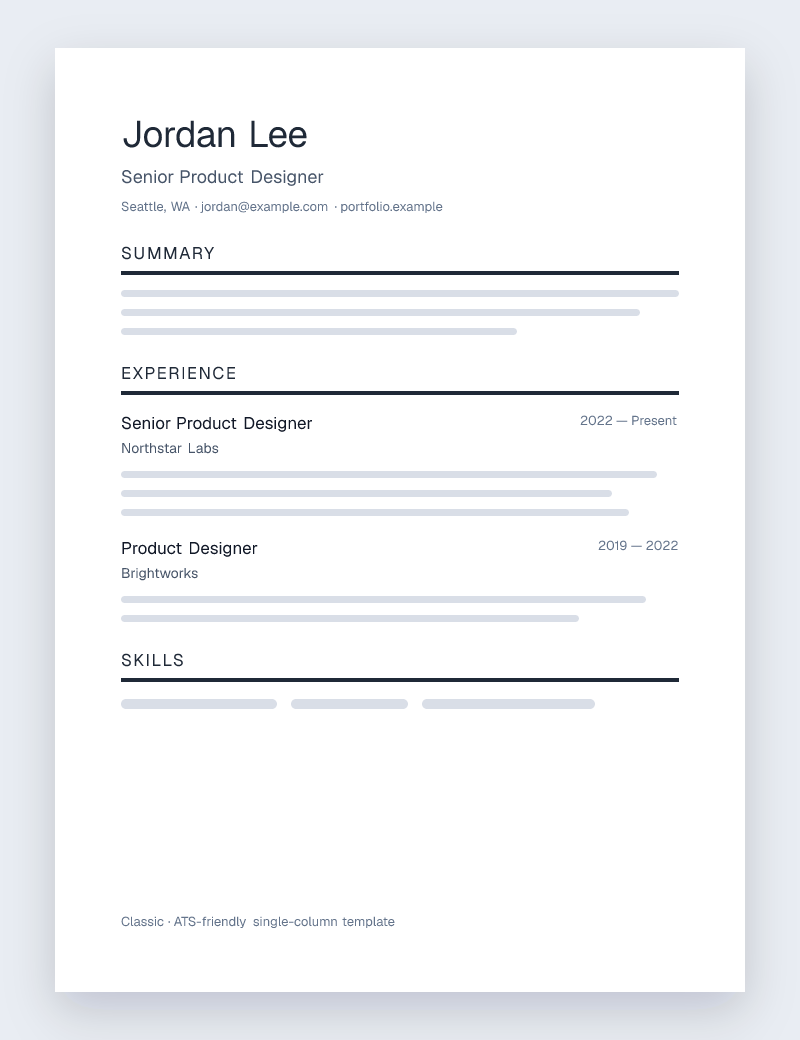
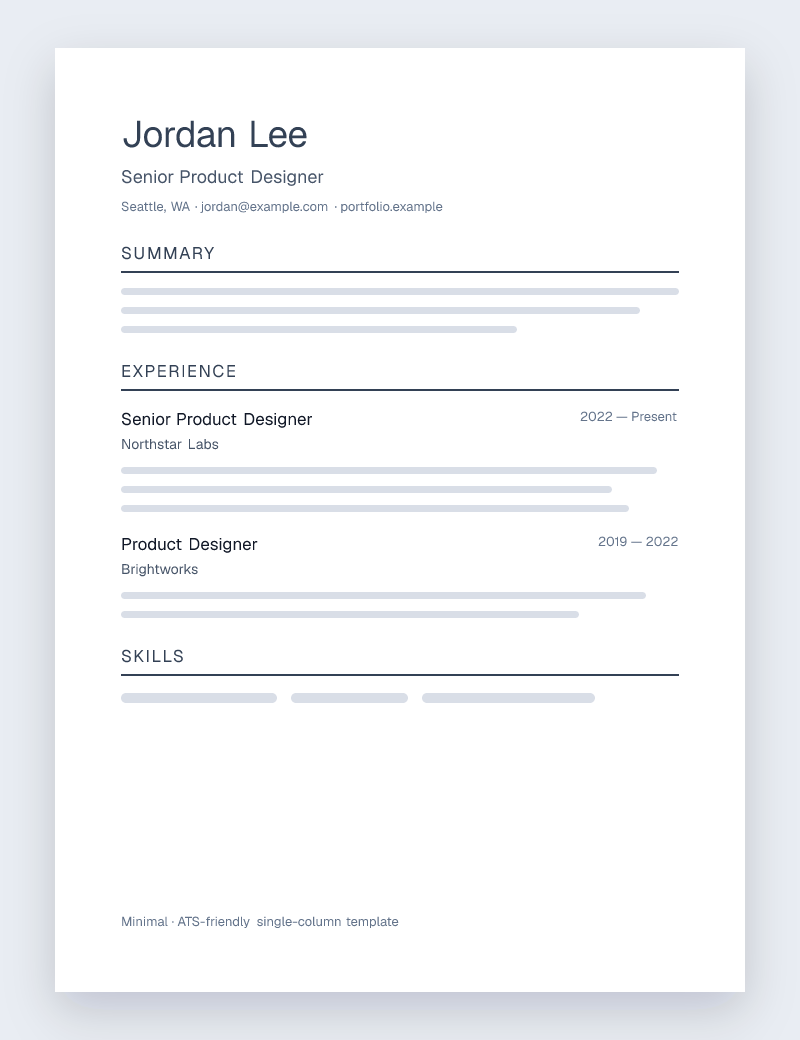
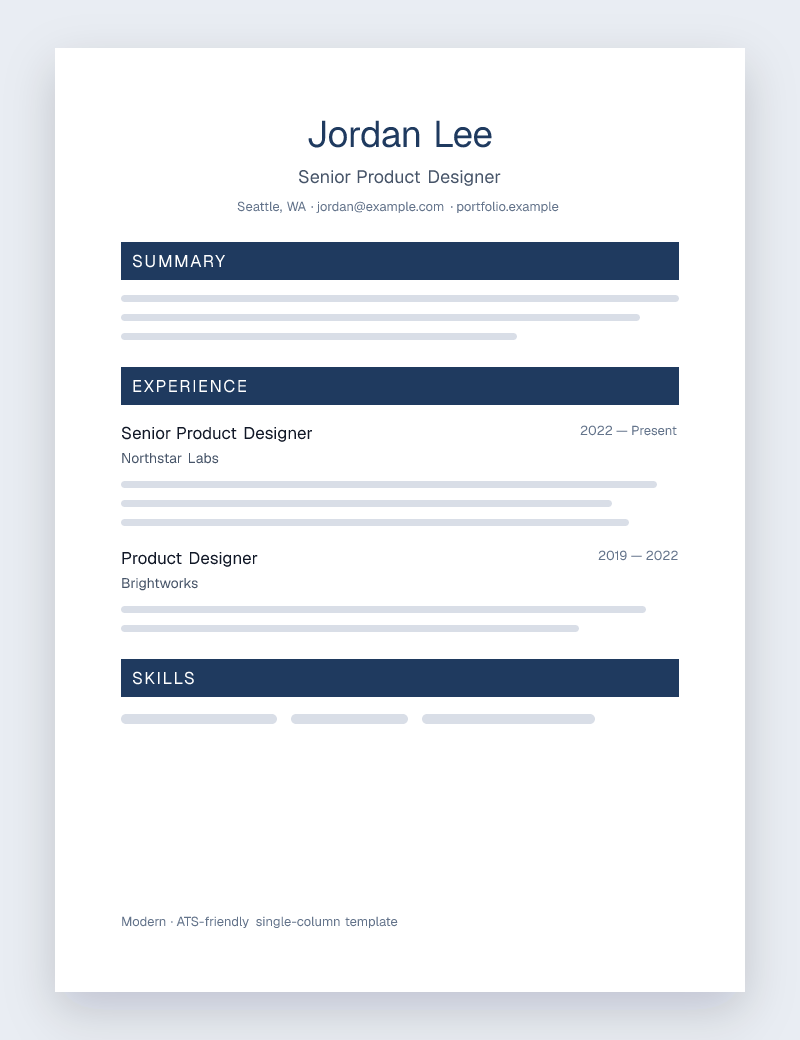
Start with Minimal for an airy sans-serif layout, or Classic for traditional serif type and ruled sections. Modern adds a centered header and navy accents. These choices change the presentation; they do not add qualifications or improve keyword relevance on their own.
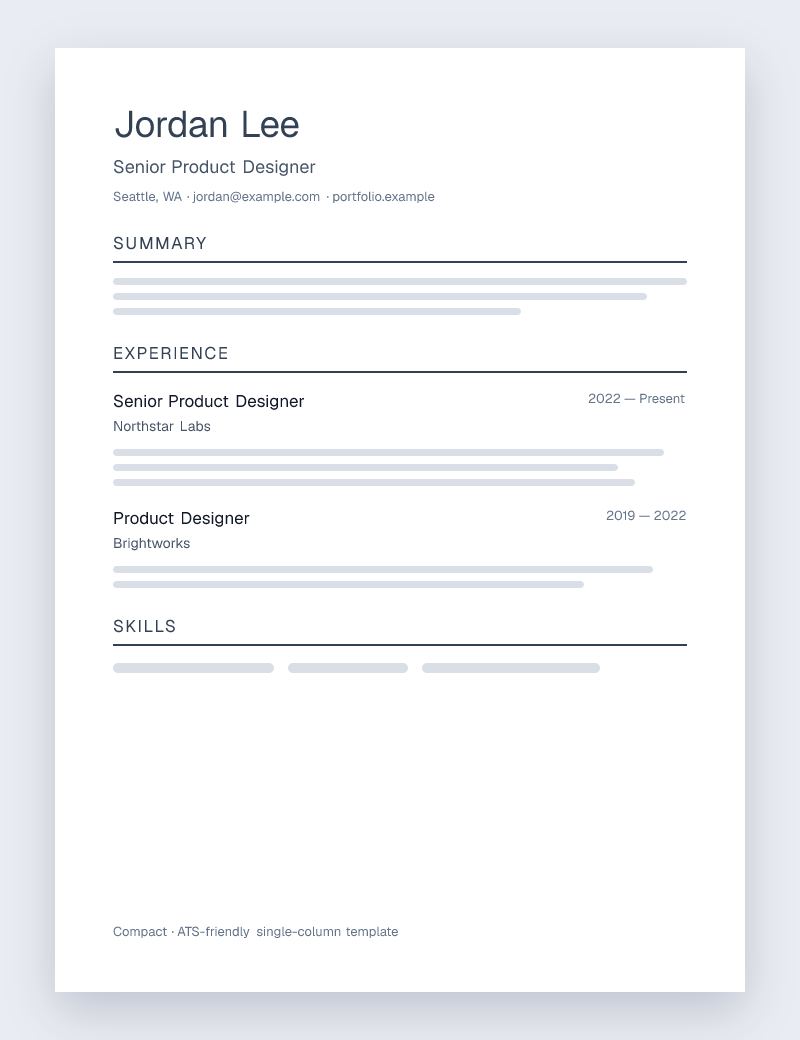
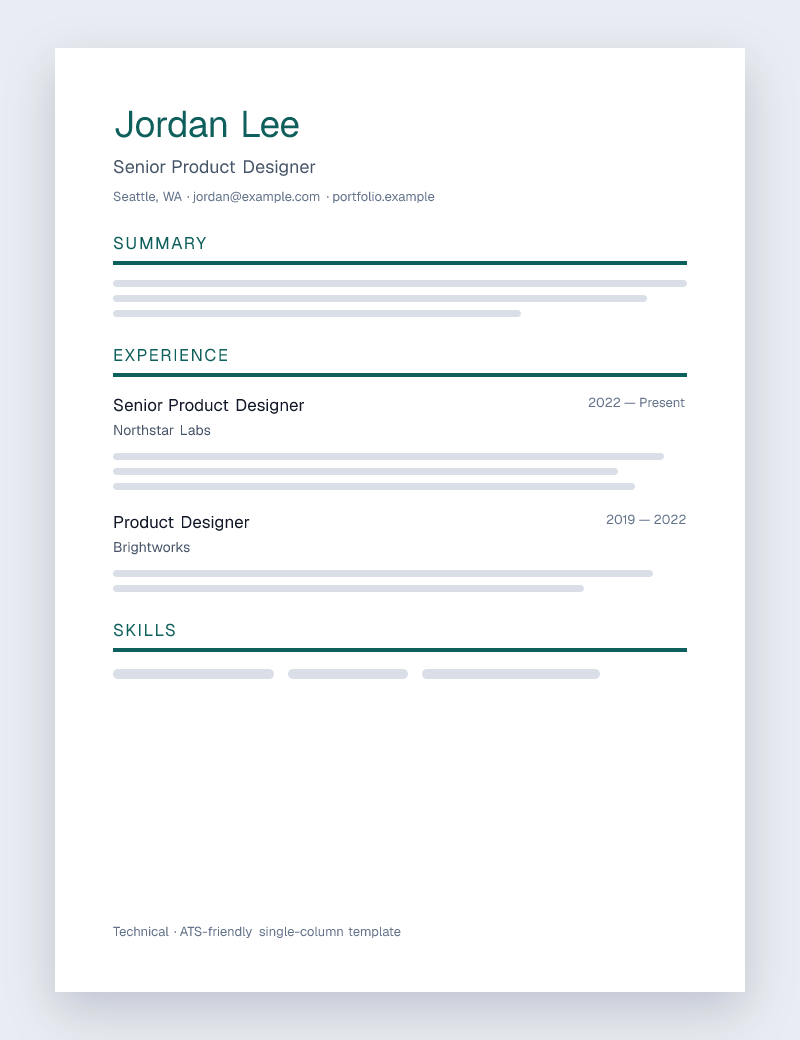
Technical uses a tighter layout with scannable sections for project-heavy content. Compact gives longer resumes denser spacing, but shorten repetitive bullets before squeezing the type. Executive offers a centered serif header and restrained rules for a more traditional presentation.
For a first role, use the space for relevant education, projects, and experience rather than filling every section. For a longer career, prioritize recent work that supports the target role. Choose the page count that keeps the relevant evidence readable.
One resume, two file formats
The same resume content can be exported to PDF and editable Word. PDF preserves the exported page layout, while Word lets you continue editing in a word processor. Word font substitutions and later edits can change wrapping; inspect the actual file you will submit.
For example, if an employer requests DOCX, export Word and check the contact line, dates, bullets, and page breaks there. If PDF is requested, open the PDF and confirm the text is selectable. A good-looking browser preview is only one part of the final check.
How to choose a resume template
Pick one that stays out of the way of your writing. Single-column, text-based layouts like these are the safest bet for applicant tracking systems, and they're still easy for a person to skim. Set the type, spacing, and accent color to suit your field, then check the printed PDF and the plain text before you apply.
Choosing and using a template
- Are these resume templates ATS-friendly?
- The templates use single-column, text-based layouts with conventional sections to reduce common parsing problems. No template guarantees a particular employer's ATS result. Check the exported text and follow the posting's file requirements.
- Can I customize a template?
- You can change the font, spacing, heading style, and accent color, tailor every section, and then export to PDF or an editable Word file.
- Do the templates cost anything?
- No. Every template is free, with no account, no subscription, and no watermark on your resume.